HR
Appoyo HR keeps hiring and compliance tight, without the admin drag. Built-in onboarding workflows, credential tracking, and expiry alerts.
Learn More

Appoyo HR keeps hiring and compliance tight, without the admin drag. Built-in onboarding workflows, credential tracking, and expiry alerts.
Learn More
End-to-end delivery linking rostering, notes, payroll and invoicing in one source of truth with live dashboards.
Learn More
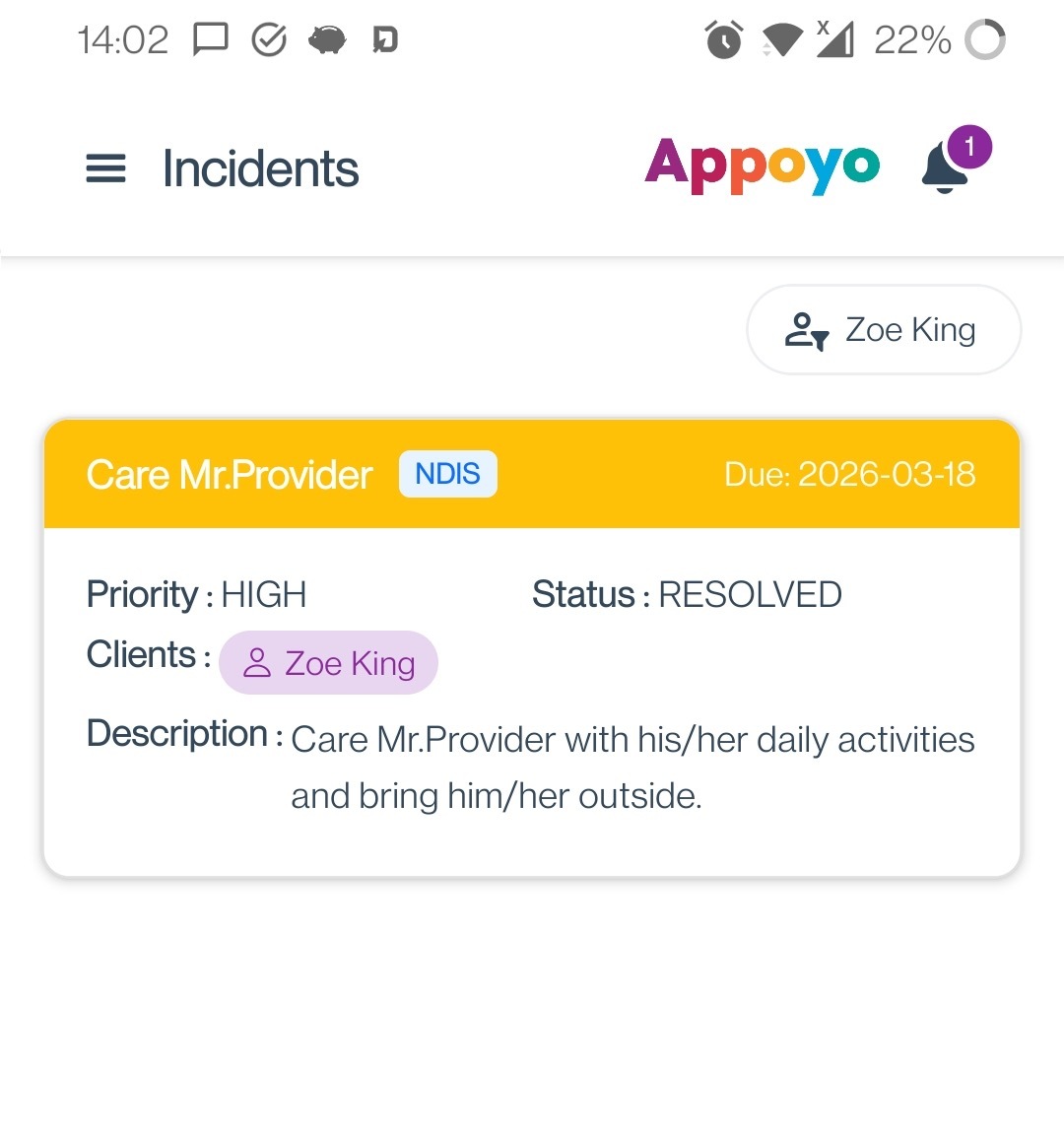
Log incidents in field workflows, track actions and report executive risk with clear visibility and accountability.
Learn More
SCHADS-aware payroll and automated invoicing reduce double handling, errors and rework across large care workforces.
Learn More
24/7 shift-fill managed service from 5pm to 7am to reduce roster gaps and continuity risk without adding overhead.
Learn More
Free, no sign-up financial tools built for NDIS and Home Care providers to understand margin, forecasting and more.
Learn More


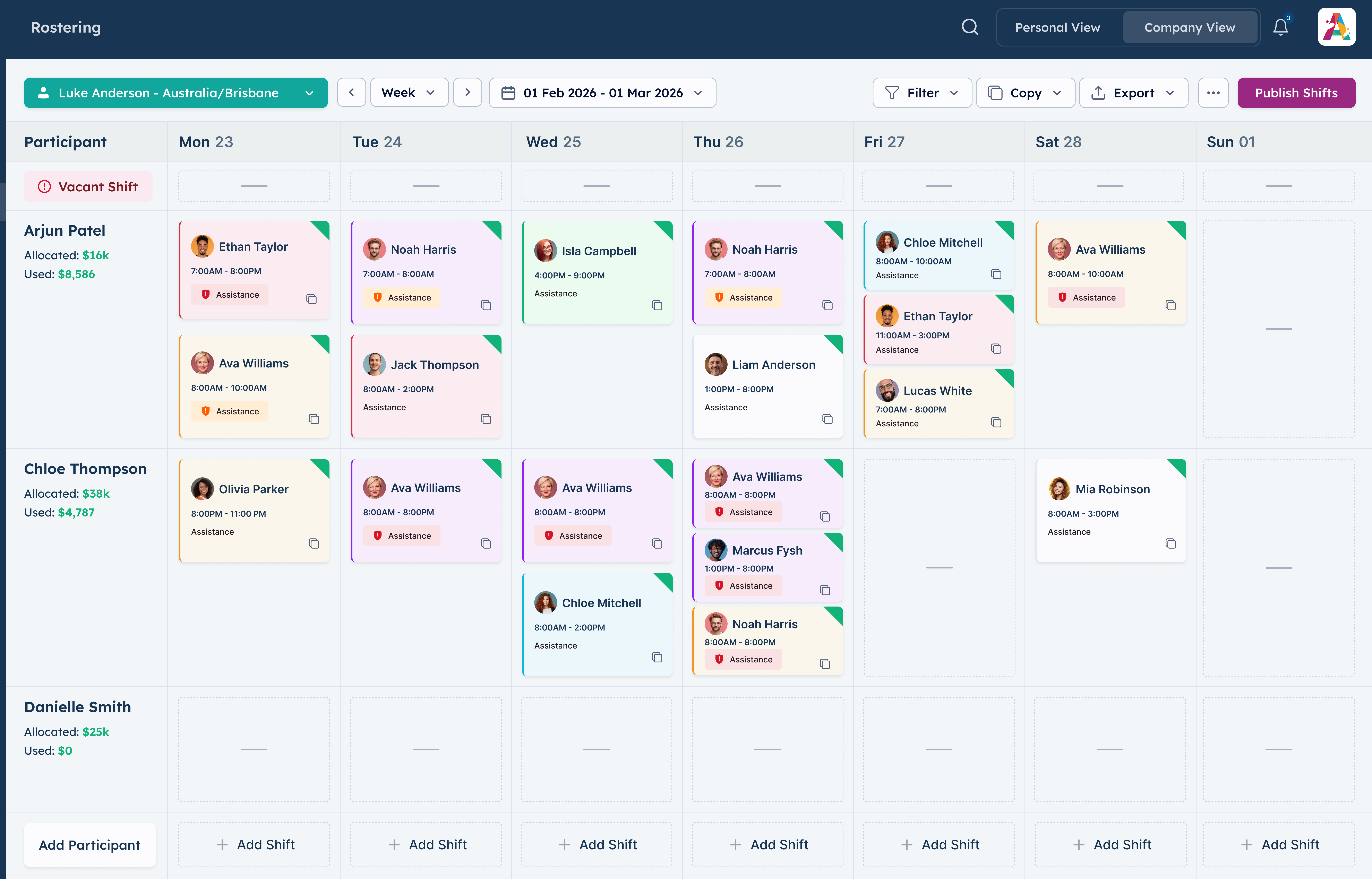
Appoyo includes a Worker App and an Admin App so frontline teams and back office can operate from anywhere. Workers manage shifts and updates in the field. Admin teams can roster, approve, and action tasks on phone or tablet, even after hours.


.jpg)
WHY IT MATTERS
Shifts change, incidents happen, and requests come in after hours. If your system only works on a laptop, response slows down and admin builds up. Appoyo mobile apps keep the operation moving wherever your team is.
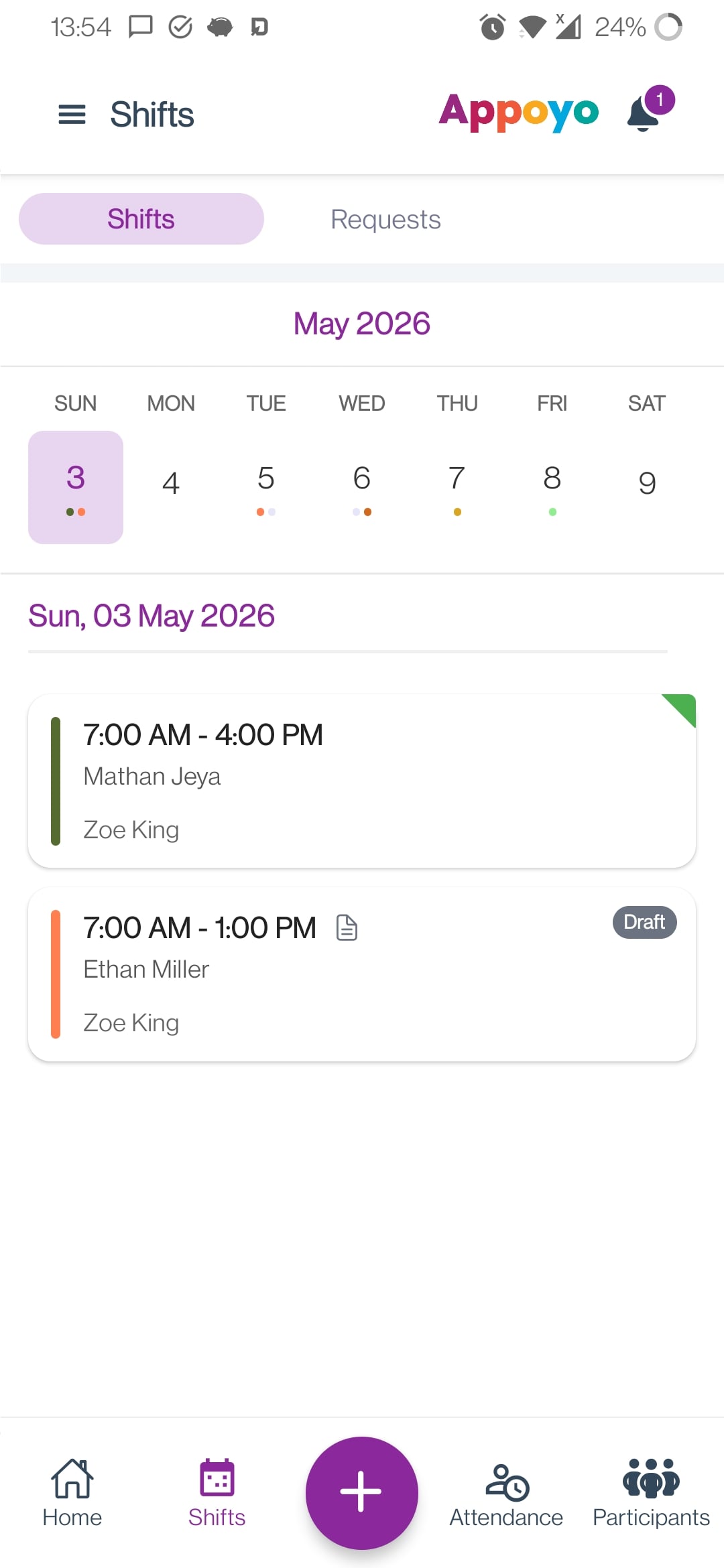
What you get
Two experiences designed for two roles, both connected to the same live data.

Built for frontline staff
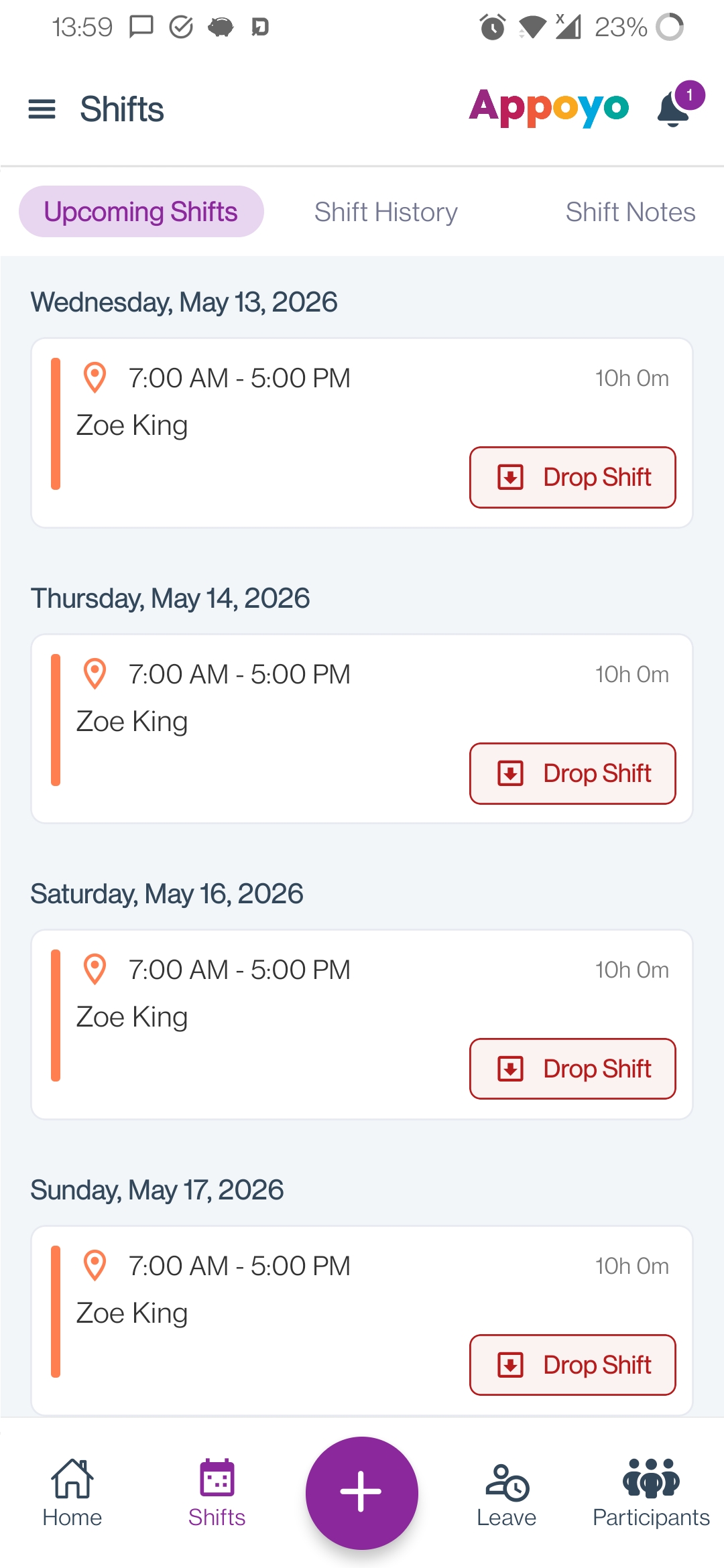
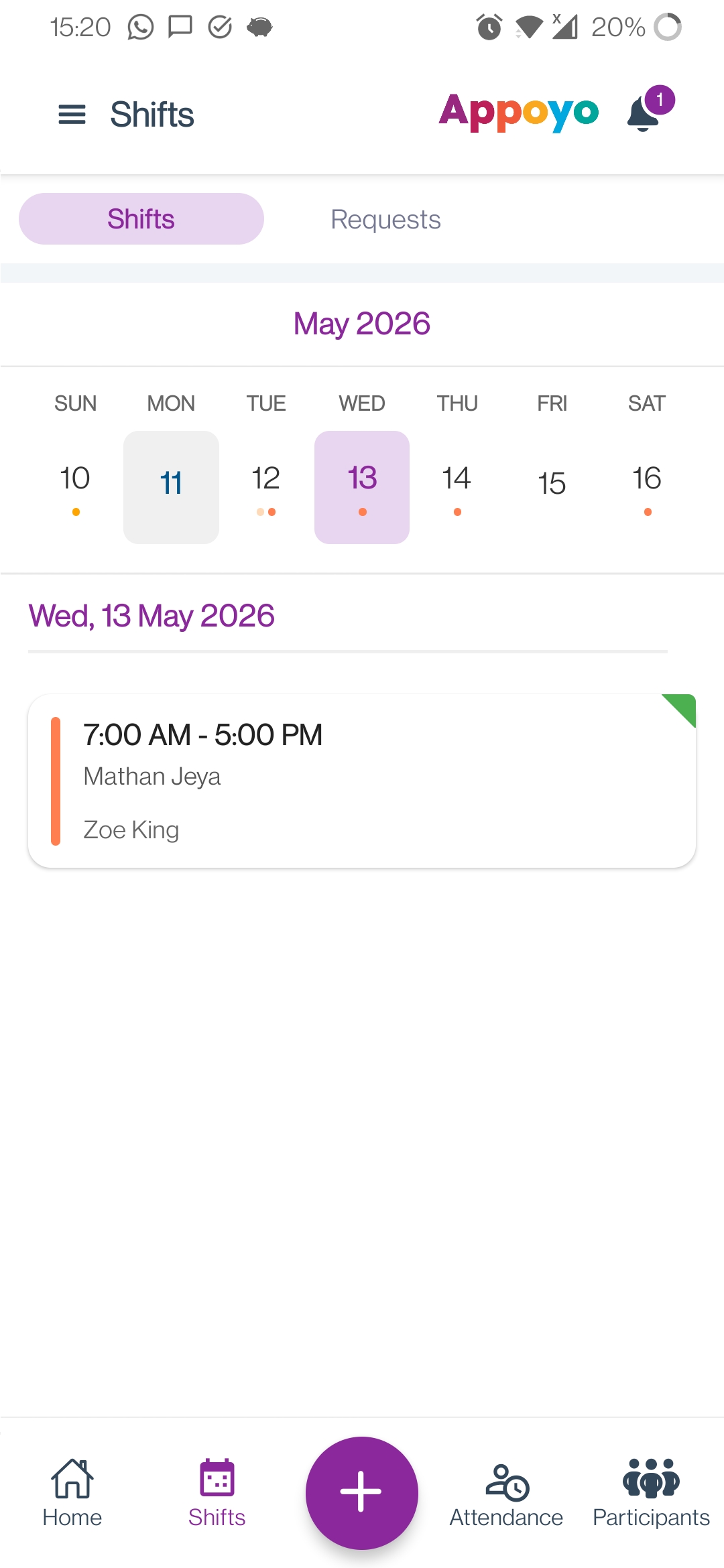
Give support workers a simple way to see shifts, confirm attendance, submit updates, and stay aligned without phone-tag.
Core features:
Outcomes
Run operations from phone or tablet
Manage rosters, exceptions, and day-to-day operations from mobile—respond faster without living at a desk.
Core features:
Outcomes
how it works
Workers and admins use their respective app
Actions update the roster and records instantly
Data stays connected to payroll, billing, incidents, and reporting
Built-in controls
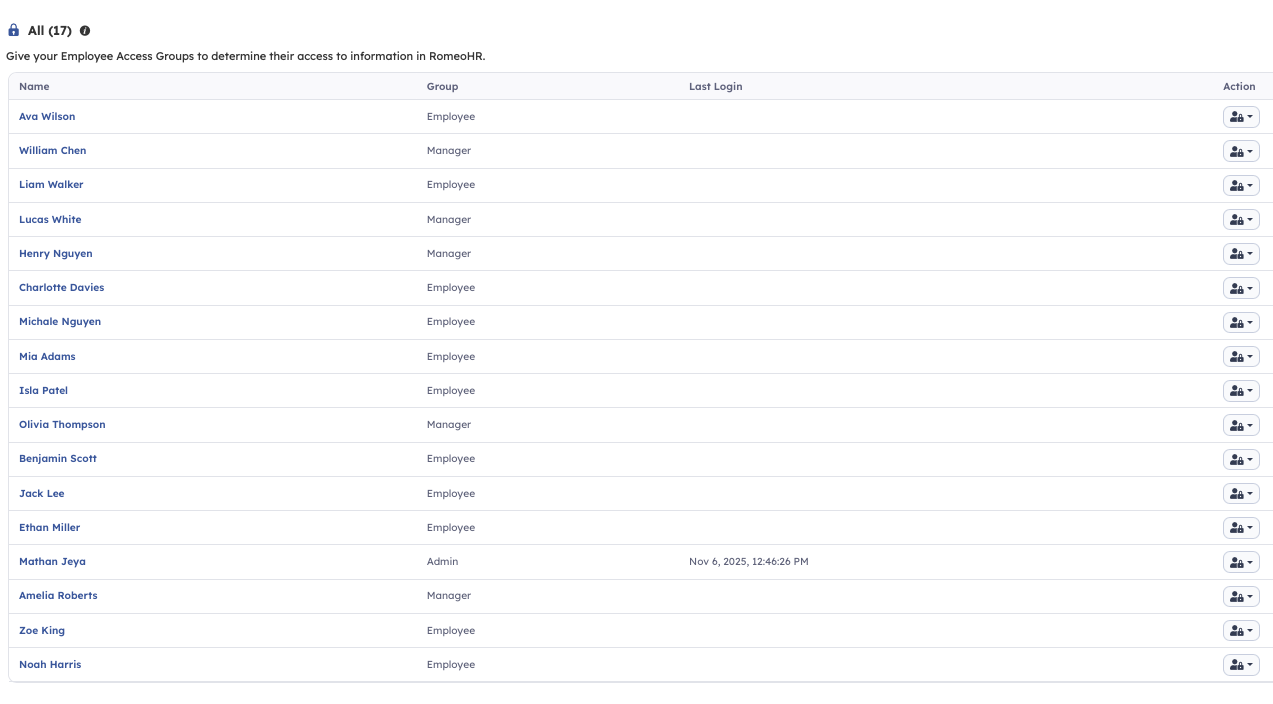
Appoyo keeps control through business unit segregation, roles, and permissions, so mobile access stays secure and aligned to responsibility.
Give workers and admins mobile tools that connect directly to rostering, incidents, and the wider Appoyo platform.

.png)